Table of Contents
Set a default classification in Reckon One
Learn how to set a default classification in Reckon One, so that it will auto-fill in transactions.
Set a default classification
- Go to Settings > General > Classifications.
- Either click on a classification to select it, or create a new classification.
- Click on the Default checkbox.
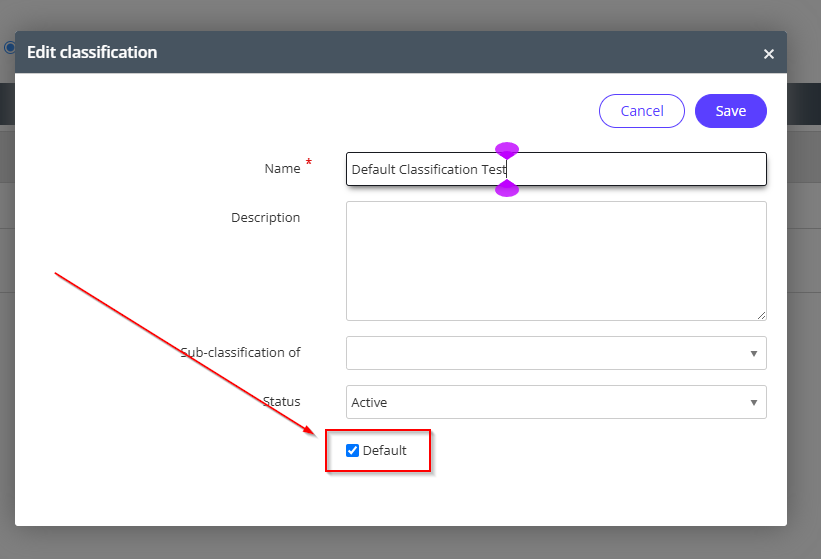
- Click Save.
Read more
Need more help?
Ask the Reckon Community at: https://community.reckon.com/categories/reckonone
Or Log a Support Ticket: https://www.reckon.com/au/support/
