Table of Contents
Find and switch between Reckon One books
Learn how to view and switch between your Reckon One books.
The Reckon One book switcher is the quickest way to switch books without leaving Reckon One, but it's not the place to see details of cancelled books or to manage subscriptions. For those tasks, it's best to use the Reckon Customer Portal.
Use the book switcher in Reckon One
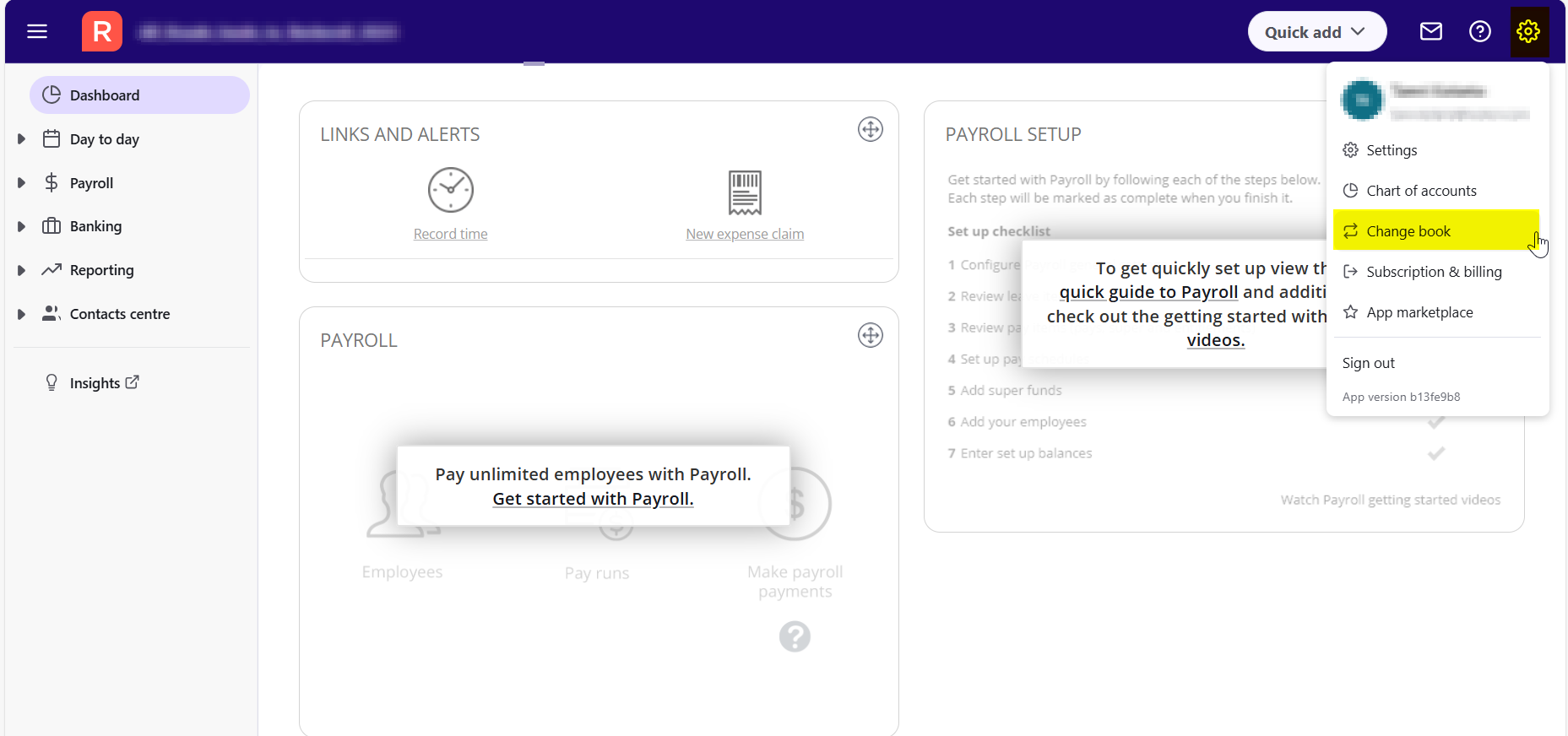
To switch books without leaving Reckon One, use the book switcher:
- In your Reckon One book, click on the Settings cogwheel on the top right corner and select Change book.
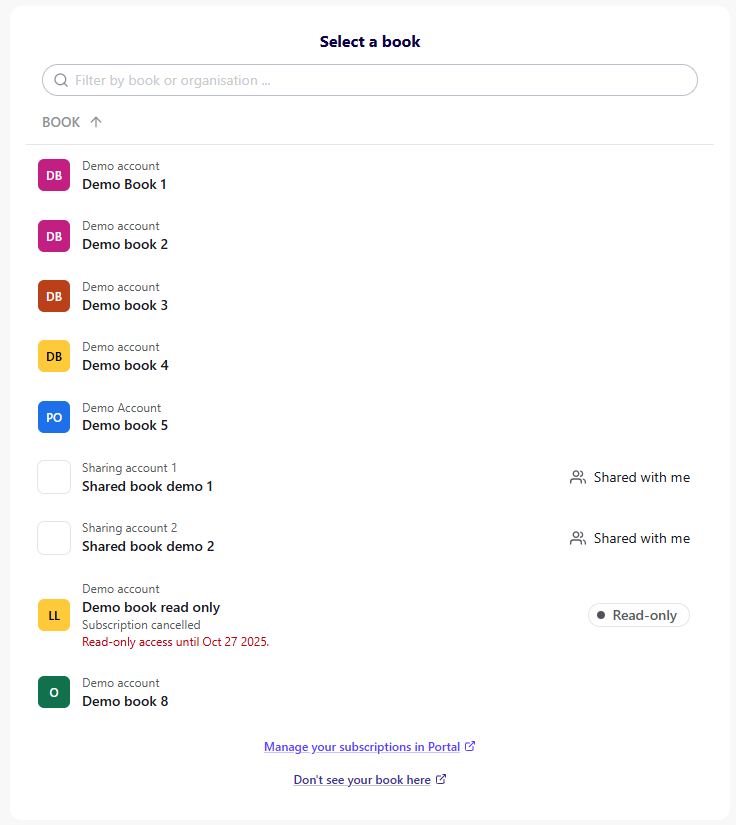
In the book switcher, you can see:
- a list of active or read-only books for all companies you have access to
- each book's name
- whether a book has been shared with you (identifiable by the Shared with you label to the right of the book name)
- if a book has an incomplete book setup.
Open a book from the bookswitcher
To open a book, click on the book name and it will load in the same tab.
Search books in the bookswitcher
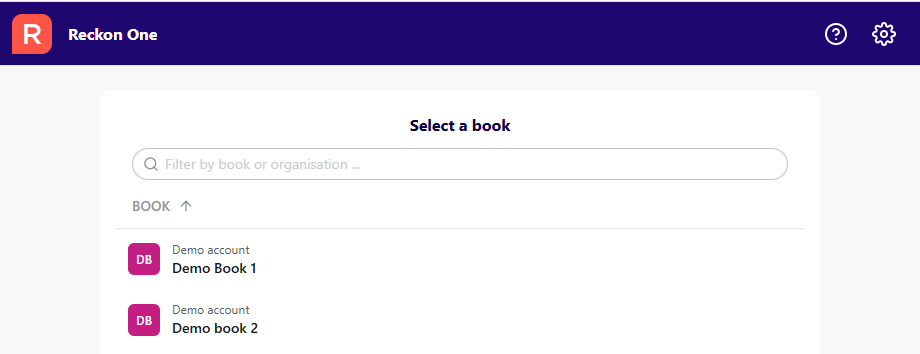
To search by book name or the company a book belongs to:
- Click in the search bar
- Enter a word. Any books with something that matches the entered search will be returned as a result.
View and switch books in the Reckon Customer Portal
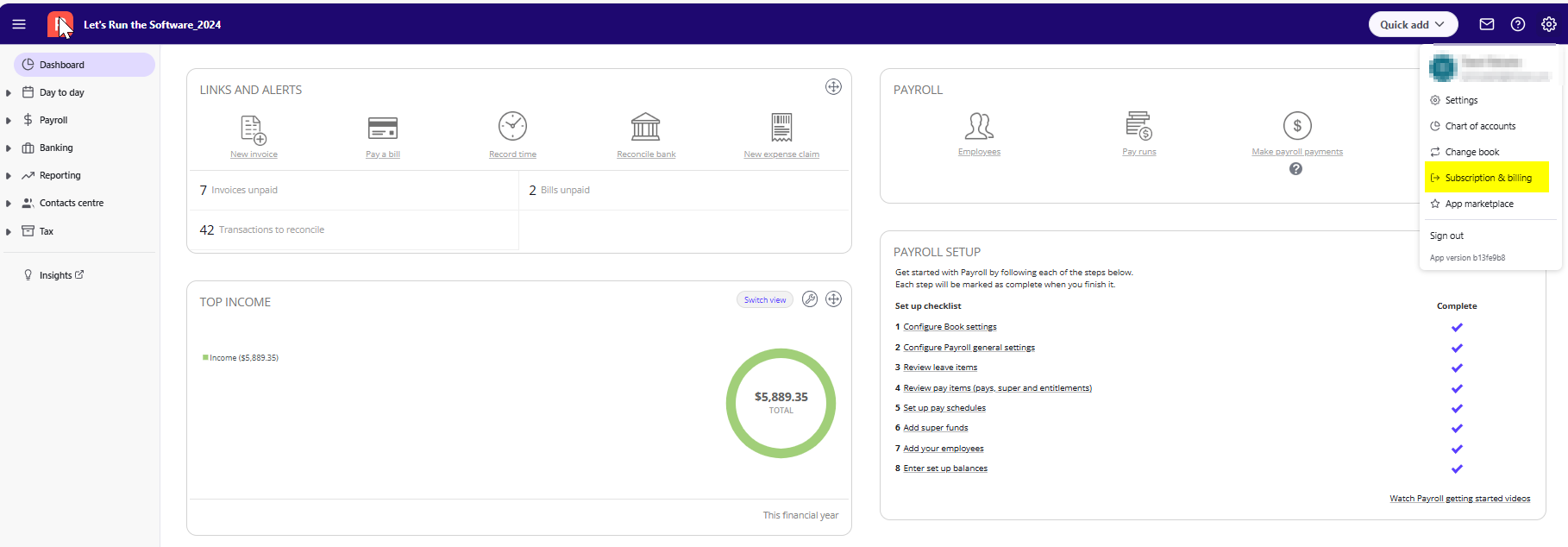
To access the Reckon Customer Portal:
- Log in to the Reckon Customer Portal, or if you are in the Reckon One book, click on the arrow next to your book name (top left) and select Manage subscription in Portal.
Open a book in portal
To open a book, click Open book. For read-only books, select View book.
Change view in portal
You can change the view of your books by selecting the Change view icon. Options are a list view or a tile view.
Sort books in portal
To sort books, click on the Sorting icon and select your sorting option:
- Book name
- Book status
- Renewal date
Filter books in portal
To filter books, click on the Filter icon and select your option:
- Book status:
- Active (where the subscription is current, or the subscription has been cancelled but full access remains until the next renewal date)
- Read-only (where the subscription has been cancelled and the book is read-only)
- Cancelled (where the subscription has been cancelled and can no longer be accessed)
- Book ownership:
- Owned by you (where you are the book owner)
- Shared with you (where the book has been shared with you)
Read more
- Learn more about what you can do in the Reckon One area of portal
Need more help?
Ask the Reckon Community at: https://community.reckon.com/categories/payrollapp
Or Log a Support Ticket: https://www.reckon.com/au/support/
