Updating the 26/27 Tax tables
Downloading the latest tax tables(Desktop only)
A new "Get Latest Tax Tables" option is added in the Employees menu.
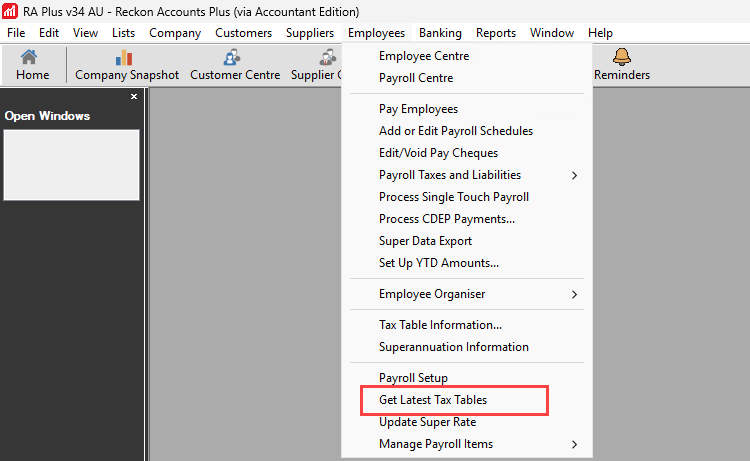
When selected, the Reckon Accounts Payroll Updates window will appear on-screen. The system will check your current tax table version and compare it with the latest version available online. If an update is available, the following dialogue will be displayed as below where:
- OK button — applies the payroll data updates.
- Cancel button — does not apply the updates and closes the dialogue.
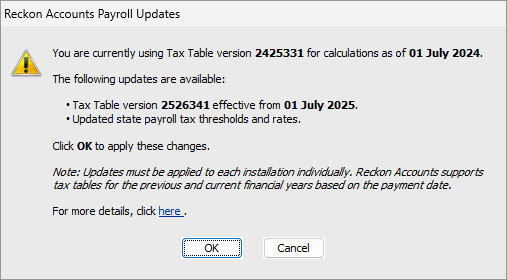
Upon clicking OK, the system will download and apply the updates to the installation folder. Once completed, a confirmation dialogue will appear to notify the user.
Reckon Accounts needs to be restarted once applied.
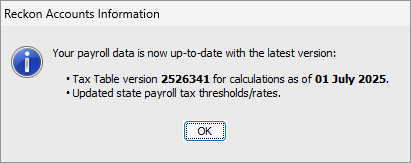
It will also notify the user if there are no updates available.
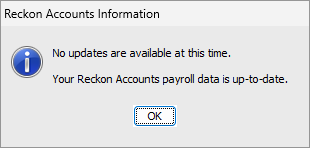
Automatic Payroll data version check
Reckon Accounts will automatically check for tax table updates when you process a pay run. This ensures you're always using the latest version without needing to check manually.
When you open the "Enter Payroll Information" window, the system will compare your current version with the latest version available. If updates are available, you'll be notified and follow the prompt. You can easily download them by going to Employees > Get Latest Tax Tables.
If no updates are available, you won't see any notifications.
And if there’s a connection issue, you'll receive a message to check your internet connection and try again. Please see Known messages and cause for more information.
Confirming your version
Tax table versions
Version | Tax Rates |
2627341 Desktop only (latest) 2627351 Hosted only (latest) | 25/26 and 26/27 Tax rates |
2526342 | 24/25 and 25/26 Tax rates (including mid year September 2025 update) |
2526341 | 24/25 and 25/26 Tax rates |
As part of the payroll data update, the supporting payroll files stored at C:\Program Files (x86)\Intuit\Reckon Accounts xx will also be updated for the new version reference. These can be checked by going to the following Employees menu:
Breadcrumbs | Images |
Employees > Tax Table Information window | 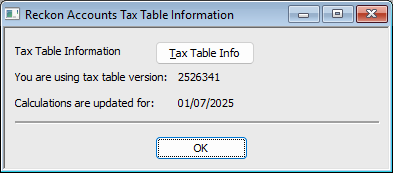 |
Employees > Tax Table Information > Tax Table Info button > Tax Table Version | 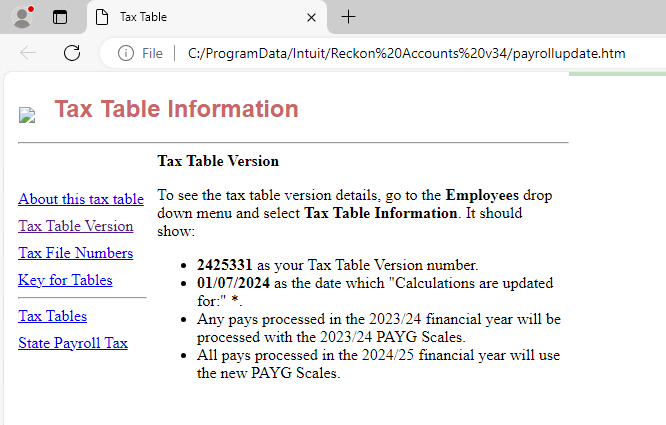 |
Help > My License Information | 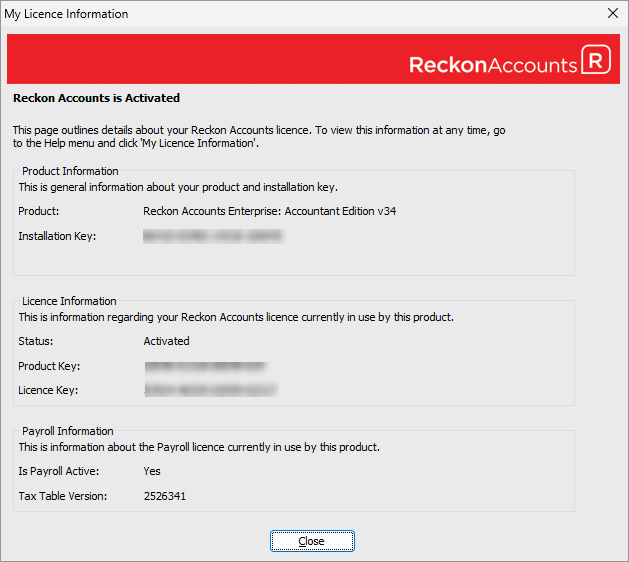 |
File > Audit Company File > Company File Actions | 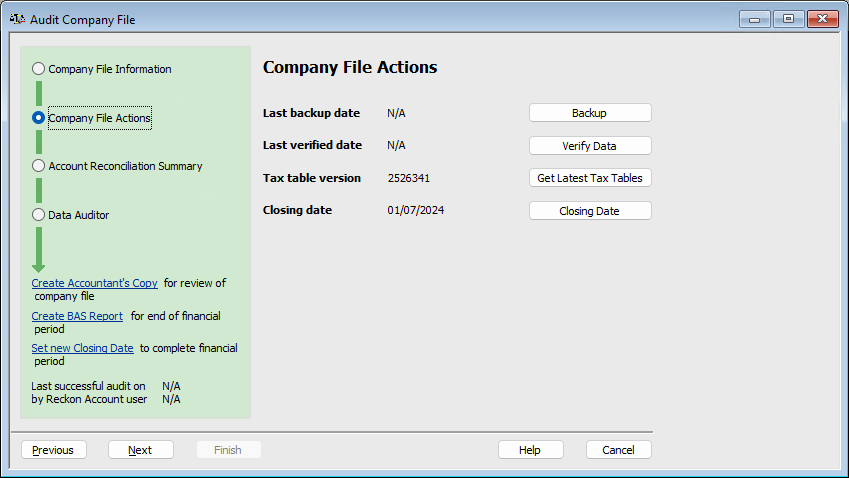 |
Known messages and cause
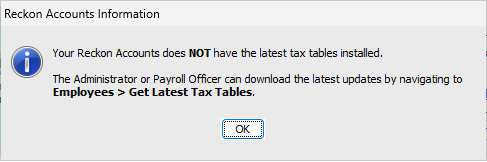
Your Reckon Accounts does NOT have the latest tax tables installed
This is a warning when you open the "Enter Payroll Information" window when the system detects that the latest tax table updates are available, and you have proceeded in processing your pays without performing the update.
Clicking OK will allow you to continue.
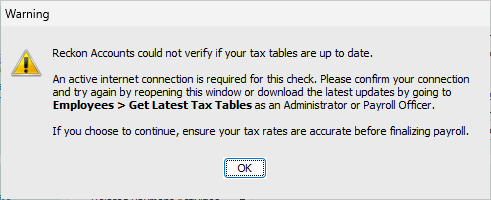
Reckon Accounts could not verify if your tax tables are up-to-date.
This is likely caused by no Internet/network connection.
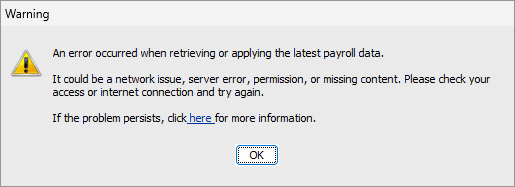
An error occurred when retrieving or applying the latest payroll data
- No Internet/network connection.
- System Date/Time is incorrect.
- Unreachable/unable to connect to online services.
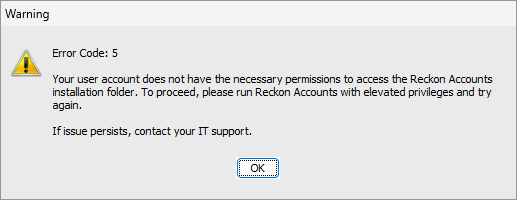
Error Code: 5 — Your user account does not have the necessary permissions to access the Reckon Accounts installation folder
The current user does not have the required folder permissions to update payroll files on this computer.