Table of Contents
Removing a User from a Data Feed
Removing a User from a Data Feed
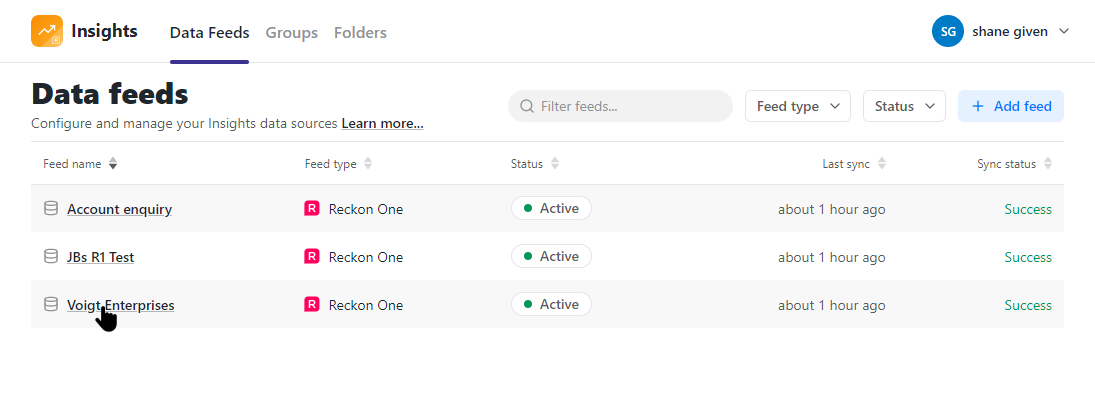
Click the name of the data feed to open the data feed properties panel.
Then click the Users tab.

Click the X button at the right-most of the Users entry to remove that User from the data feed.

Then click on Remove user to confirm the removal.

Back to Data Feeds Introduction
Back to User and Feed Management Introduction
