Table of Contents
Use fast entry mode in Reckon One
Learn how to use fast entry mode in Reckon One invoicing, so you can quickly move between fields using your keyboard.
About fast entry
When fast entry is enabled, you can press the Tab key in an invoice or on any payroll screen, to skip over tooltips and table headers. This helps you enter information more efficiently.
Fast entry is only available for invoicing, journals and purchase orders in Reckon One.
Enable fast entry
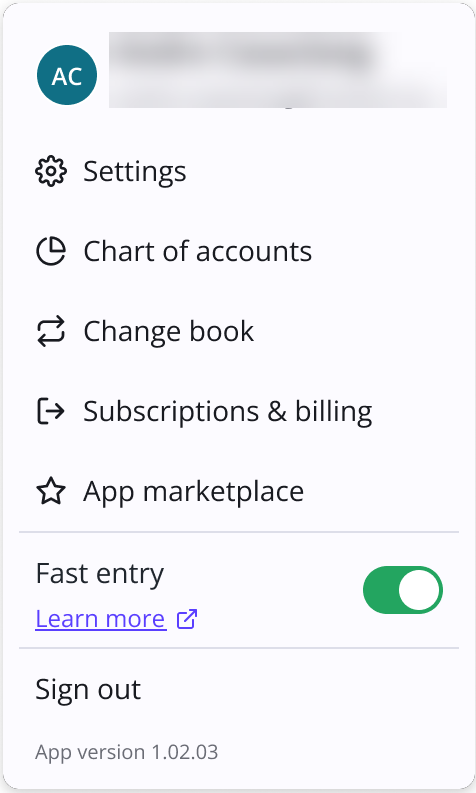
- While creating or editing an invoice, click the Cogs⚙️ icon from the top right of your screen.
- Toggle on Fast entry.
Disable fast entry
- While creating or editing an invoice or accessing any payroll screen, click the Cogs⚙️ icon from the top right of your screen.
- Toggle off Fast entry.
Read more
- Learn how to create an invoice in Reckon One
Need more help?
Ask the Reckon Community at: https://community.reckon.com/categories/reckonone
Or log a Support Ticket: https://www.reckon.com/au/support/
