Table of Contents
Set default bank accounts for Reckon One payroll
Learn how to set default bank accounts for Reckon One payroll to ensure wages, superannuation, and other payroll payments are allocated to the correct account. In Reckon One, you have bank accounts against which transactions are recorded. Set default bank accounts for payroll-related transactions to be allocated to.
This feature is available on all payroll and Reckon Ultimate plans.
Before you start
There needs to be bank accounts created in Reckon One before you can set defaults. Make sure you’ve created them, or had them migrated into Reckon One payroll.
Set default bank accounts for payroll
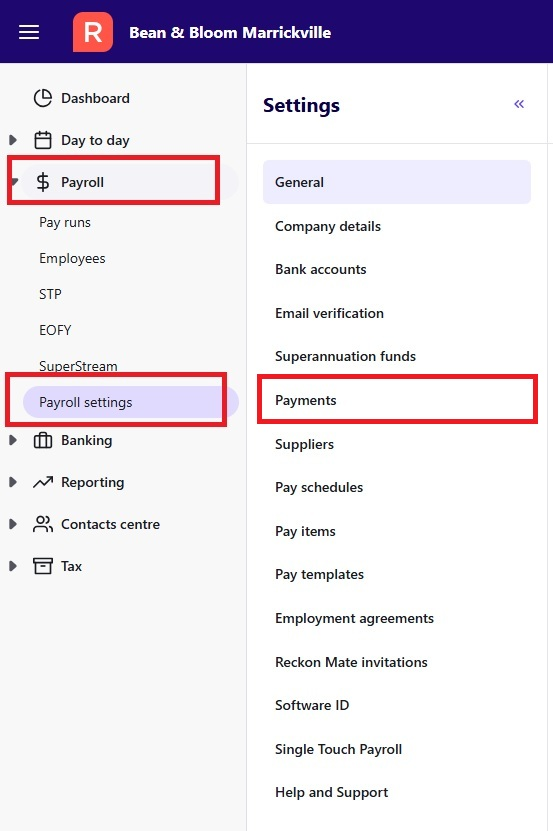
- In the Payroll menu, select Payroll settings, then select Payments.
- Select the bank accounts you want to use for each payment type:
- EFT payment account – used for electronic wage payments to employees
- Cash payment account – used if you pay wages by cash or cheque
- Superannuation payment account – used for super payments (including refunds from superannuation funds)
- Scroll down, and click Save changes.
These accounts will now be used as the default whenever you process payroll.
