Where do I find my RA Hosted UserID?
You can find your Reckon Accounts Hosted User ID by following the steps below:
- Log in to the Hosted dashboard.
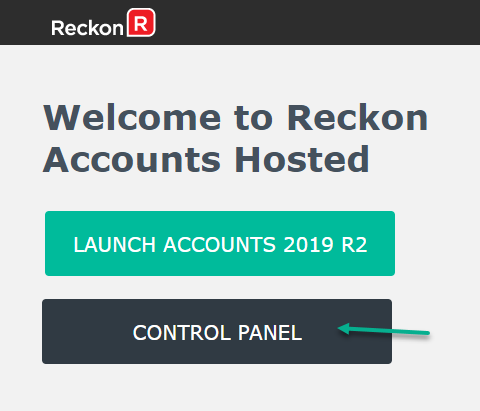
- Click on CONTROL PANEL
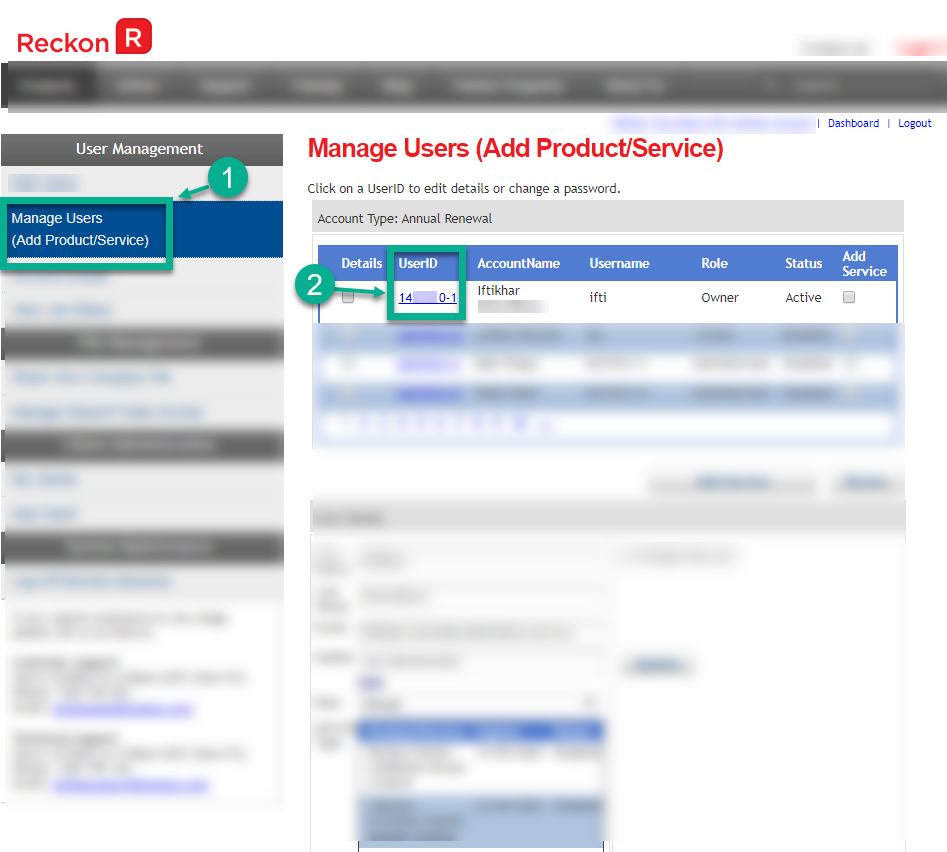
- Click Manage Users
- Your UserID is in the blue colour with a link. Clicking the link shows the details of the user account
Need more help?
Ask the Reckon Community at: https://community.reckon.com/categories/accountshosted
Or Log a Support Ticket: https://www.reckon.com/au/support/
